
SOCKS5 Proxy Software for Windows | Features & Setup
Verified Technical Editorial Team
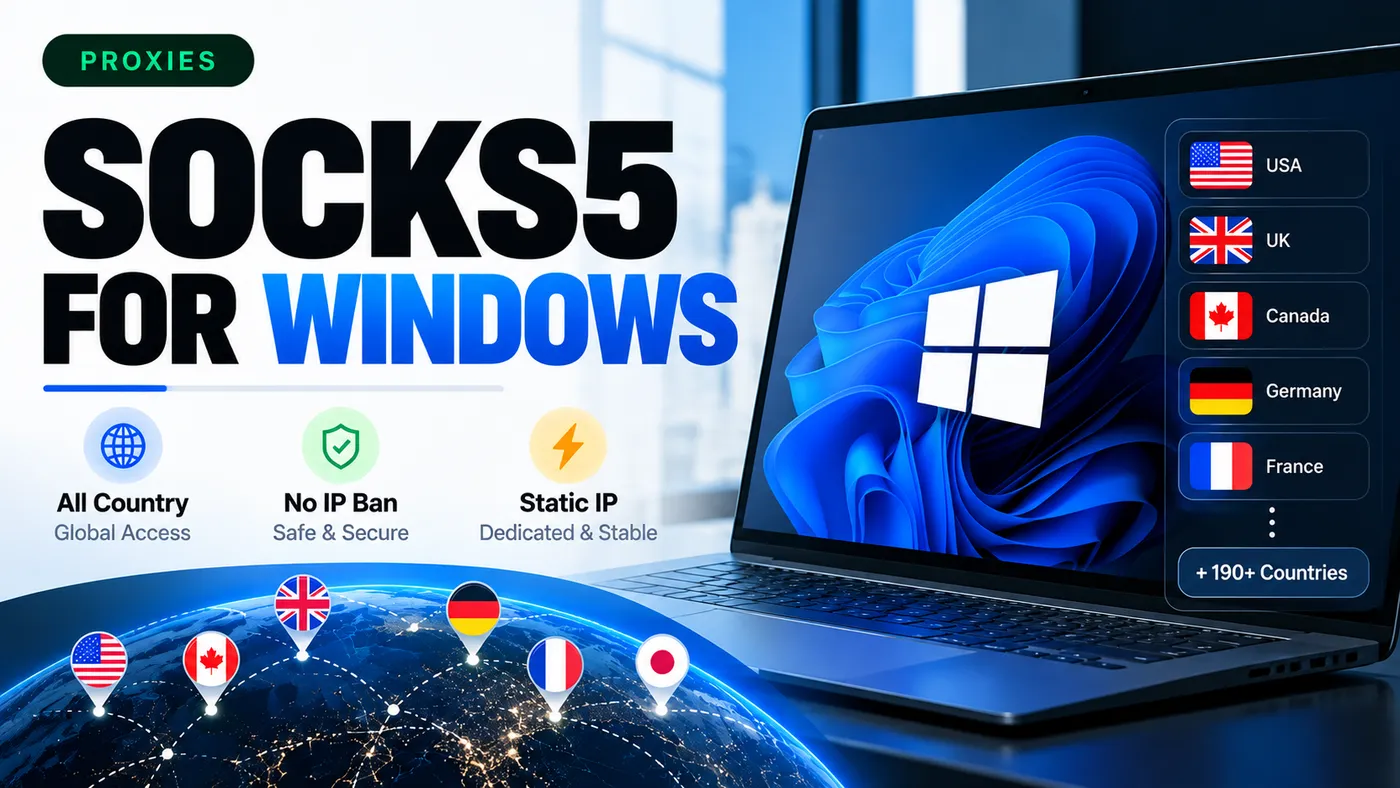
SOCKS5 Proxy Software for Windows: Features, Benefits & Setup Guide
Looking for reliable SOCKS5 proxy software for Windows? SOCKS5 proxies help route internet traffic through an intermediary server, making them useful for privacy-conscious browsing, software testing, web development, and managing authorized online workflows.
With support for multiple proxy locations, SOCKS5 proxy solutions can help users connect through different IP addresses depending on the provider, configuration, and intended use.
What Is SOCKS5 Proxy Software?
SOCKS5 proxy software allows applications to route network connections through a SOCKS5 proxy server instead of connecting directly to a destination server.
SOCKS5 is the fifth version of the SOCKS protocol. It supports TCP connections and can support UDP traffic when the client and server configuration allow it.
Unlike a traditional VPN, which typically routes traffic from the device or selected network interfaces, a SOCKS5 proxy is generally configured for individual applications or supported network connections.
Key Features of SOCKS5 Proxy Software
1. Windows Compatibility
SOCKS5 proxy software can be used with compatible Windows applications, browsers, and networking tools. Depending on the software, configuration may be available through application settings or a dedicated proxy client.
2. Multiple Country Locations
Some SOCKS5 proxy providers offer servers in multiple countries, such as the United States, United Kingdom, Canada, Germany, and France.
Available locations depend on the provider's actual server network and subscription plan.
3. Static IP Address Support
A static SOCKS5 proxy can provide a consistent IP address for repeated connections. This can be useful for authorized testing, remote access workflows, and services that require a stable source IP.
A static IP does not guarantee uninterrupted availability or prevent websites from identifying proxy traffic.
4. Application-Level Traffic Routing
SOCKS5 proxies can help route supported applications through a configured proxy server. This can be useful for developers, QA teams, and users who need to test how services behave under different network conditions.
5. Authentication Support
SOCKS5 supports username-and-password authentication when enabled by the server. Use credentials provided by a trusted proxy provider and keep them confidential.
Important: SOCKS5 itself does not encrypt all traffic. For sensitive activities, use HTTPS or another appropriate encryption method. A proxy should not be treated as a complete replacement for a VPN or endpoint security software.
Benefits of Using SOCKS5 Proxy Software
SOCKS5 proxy software can be useful in several legitimate scenarios:
Web development: Test application connectivity through different network endpoints.
Software testing: Check how applications behave with different proxy configurations.
Network troubleshooting: Investigate connection problems and routing behavior.
Authorized data collection: Access websites and services in accordance with their terms and applicable laws.
Remote workflows: Use a consistent proxy IP when a task requires a stable network endpoint.
Geographic testing: Test region-specific website behavior where the provider offers suitable locations.
Actual performance depends on server quality, distance, bandwidth, authentication, and network congestion.
How to Set Up a SOCKS5 Proxy on Windows
Follow these general steps to configure a SOCKS5 proxy on a Windows computer.
Step 1: Choose a SOCKS5 proxy provider
Select a provider that clearly explains its server locations, pricing, authentication, logging practices, and acceptable-use policy.
Step 2: Get your proxy credentials
Depending on the provider, you may receive:
Proxy server IP address or hostname
Port number
Username
Password
Supported protocol and connection details
Step 3: Open your compatible application
Find the network or proxy settings in the application you want to configure. Look for SOCKS5 support.
Step 4: Enter the connection details
Enter the server address and port. If authentication is required, provide the username and password supplied by your provider.
Step 5: Test the connection
Connect to the proxy and verify that the application works as expected. Check the externally visible IP address using a reputable IP-checking service.
Step 6: Check for connection and DNS leaks
Confirm that your application routes the intended traffic through the proxy. DNS behavior varies by application, so verify it separately when privacy matters.
Note that Windows' standard system proxy settings do not provide universal SOCKS5 routing for every application. Some applications require their own proxy settings or compatible proxy-client software.
SOCKS5 Proxy vs VPN: What's the Difference?
Feature | SOCKS5 Proxy | VPN |
|---|---|---|
Main purpose | Route supported connections | Protect and route device or selected network traffic |
Traffic encryption | Not provided by SOCKS5 itself | Usually encrypts the VPN tunnel |
Application support | Depends on application configuration | Often works at device or network level |
IP address visibility | Never expose the proxy server's IP | Can expose the VPN server's IP |
Best use cases | Testing, application routing, Carding | Encrypted connections on untrusted networks and broader traffic protection |
Neither technology guarantees complete anonymity. Choose the option that matches your security requirements.
How to Choose the Best SOCKS5 Proxy Software
Before purchasing a SOCKS5 proxy service for Windows, evaluate these factors:
Server locations: Confirm that the countries you need are actually available.
IP type: Determine whether the service provides static, rotating, residential, or datacenter IPs.
Connection reliability: Look for transparent uptime information and a clear support policy.
Authentication: Check how credentials are issued, stored, and protected.
Speed and bandwidth: Review bandwidth limits, connection limits, and any fair-use restrictions.
Privacy policy: Understand what connection data the provider collects and retains.
Compatibility: Confirm support for Windows and your intended applications.
Pricing and refunds: Review the subscription terms before making a purchase.
Avoid choosing a provider based only on claims such as “100% anonymous,” “zero IP bans,” or “unlimited speed.” These claims are not guarantees of actual performance.
Frequently Asked Questions
What is SOCKS5 proxy software used for?
SOCKS5 proxy software routes supported network connections through a proxy server. Common legitimate uses include software testing, web development, troubleshooting, and authorized network workflows.
Does SOCKS5 work on Windows 10 and Windows 11?
Yes. SOCKS5 can work on Windows 10 and Windows 11 through compatible applications and proxy clients. Compatibility depends on the specific software.
Is SOCKS5 more secure than a VPN?
Not inherently. SOCKS5 provides proxy routing but does not encrypt traffic by itself. A VPN generally provides an encrypted tunnel, making it more appropriate when connection encryption is required.
Can SOCKS5 change my public IP address?
For traffic successfully routed through the proxy, destination services generally see the proxy server's IP address rather than your original public IP. Applications that bypass the proxy may still connect directly.
Is a static SOCKS5 proxy better than a rotating proxy?
It depends on the task. Static proxies offer a consistent IP address, while rotating proxies change IP addresses according to the provider's rotation policy. Neither option is universally better.
How much does SOCKS5 proxy software cost?
Pricing depends on the provider, IP type, location, bandwidth, and subscription duration. Compare the service's actual features and terms before purchasing.
Get SOCKS5 Proxy for Windows
Need a SOCKS5 proxy solution for your Windows workflow? Review the available server locations, supported applications, connection details, and subscription terms before choosing a plan.
Select a solution that matches your technical requirements and use it responsibly in accordance with applicable laws and service policies.
Explore the SOCKS5 Proxy for Windows product page to review the available features and purchase options.
Verified Knowledge Base Guarantee
All guides, scripts, and product configurations on The Valid Market are tested for safety, zero backdoors, and maximum performance.
Community Discussion
0 comments
Leave a Comment
Join the conversation and share your insights or questions with the community.
No comments yet
Be the first to share your thoughts on this article!